List Attendance
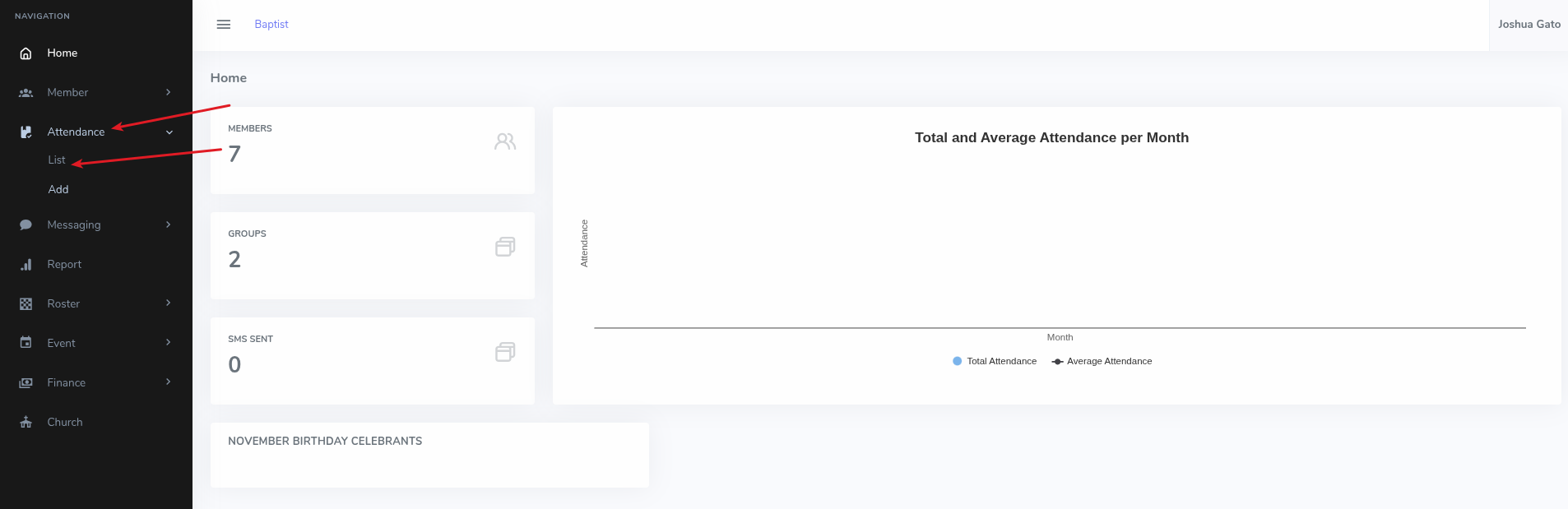
- On the dashboard Home page, click on the Attendance menu option on the left sidebar
- Under the dropdown that appears, click List for the list to appear
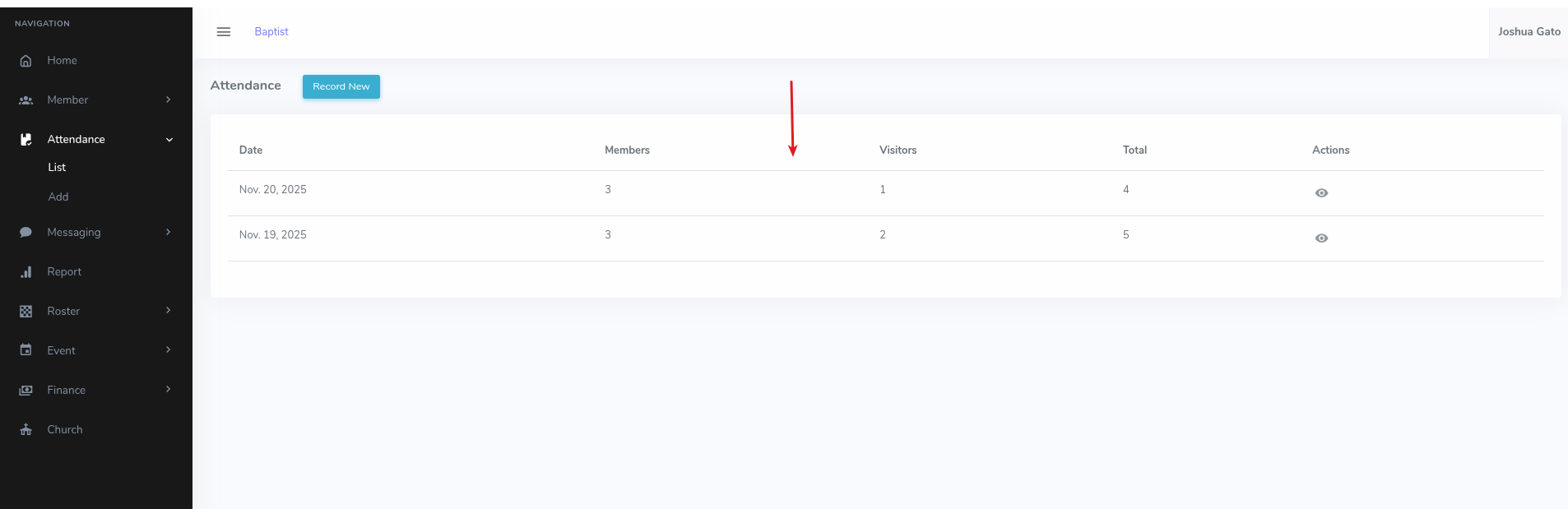
- The following are the list of attendance records available
View Attendance Record Details
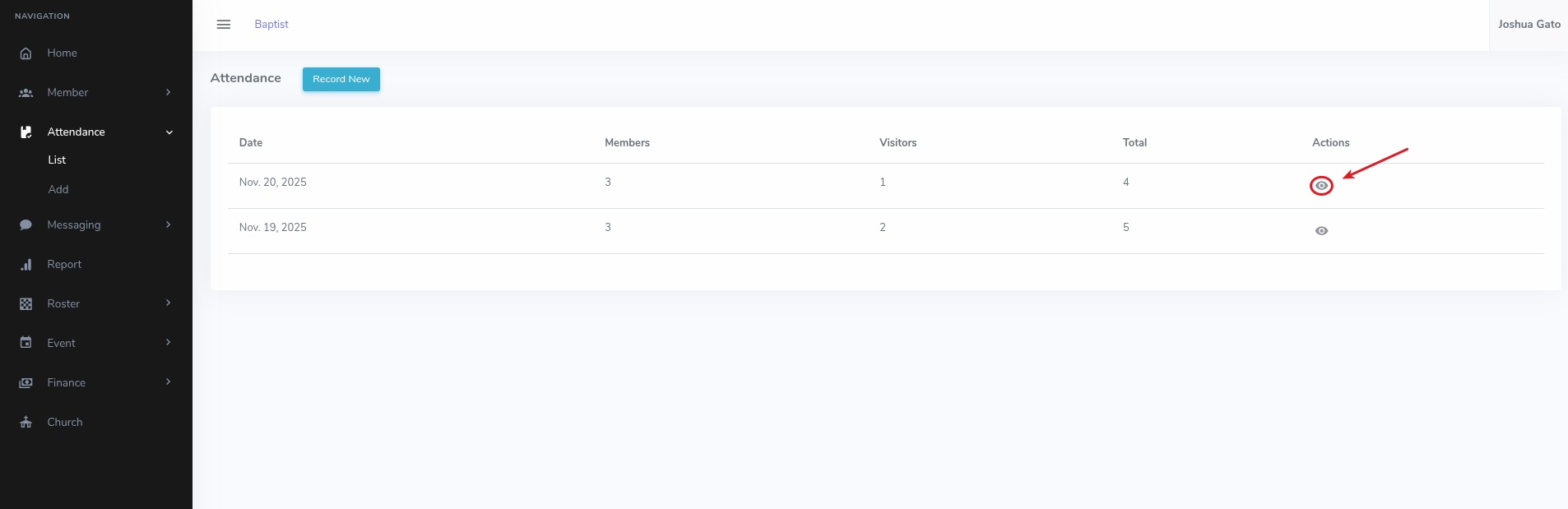
- On the list page, click the Eye Icon for the attendance record whose details you want to see
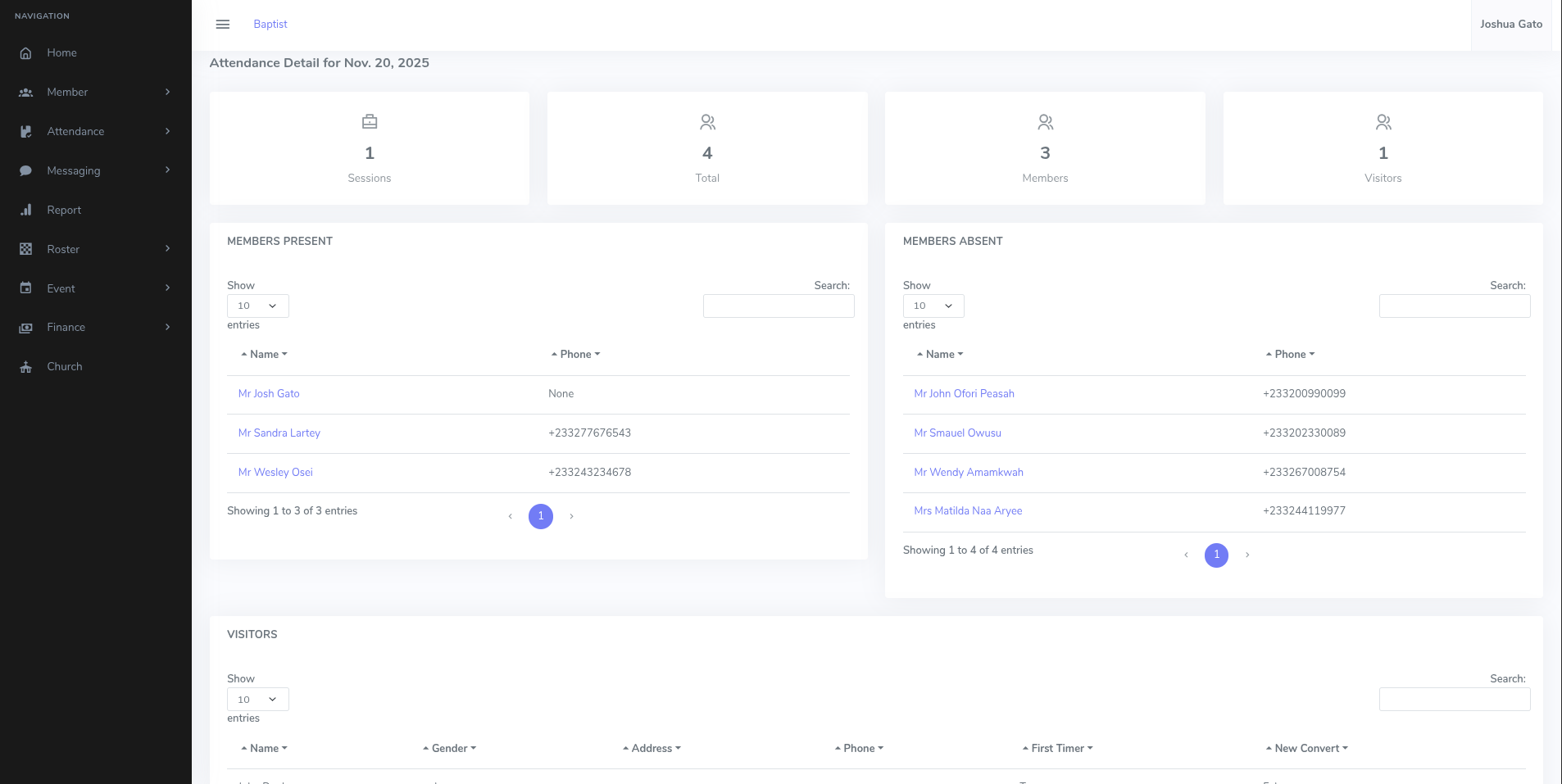
- That should open the page containing details for the attendance record in question